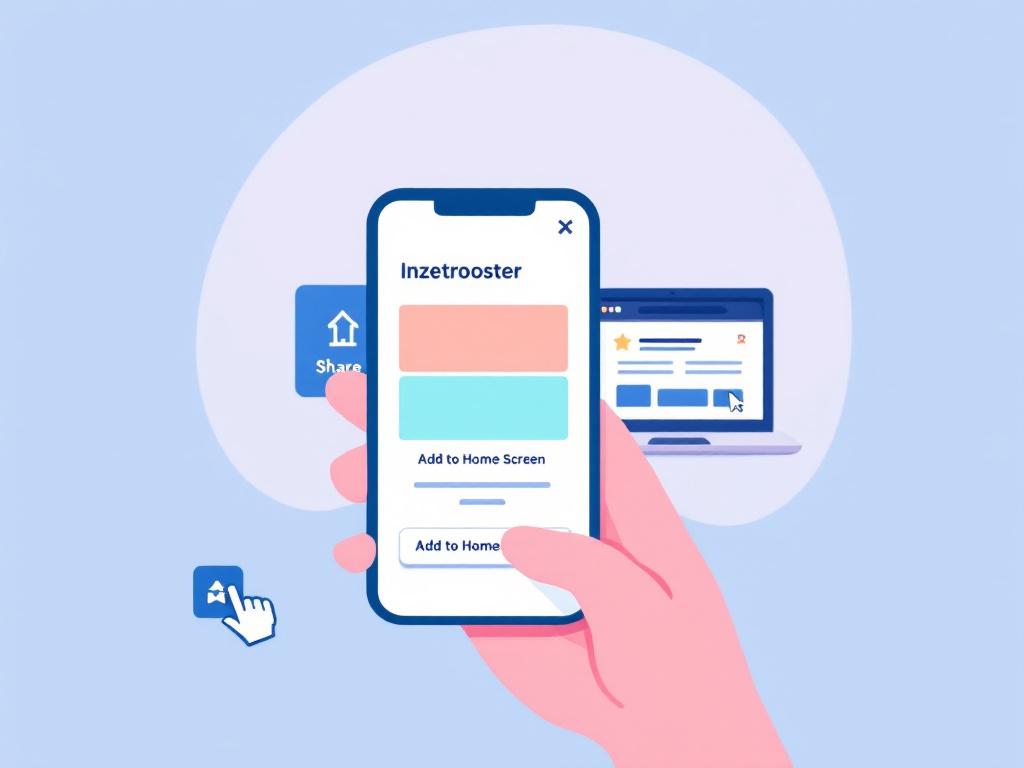
Advantages of a web app – no app from the App Store or Play Store.
Post: Post
Posted 2025-10-16
Sometimes people search for Inzetrooster in the App Store (Apple) or Play Store (Android). Understandable, but that's not necessary—nor is it possible.
Inzetrooster is a web app: you use it directly through your internet browser (such as Safari or Chrome), without having to download anything.
Advantages of a web app:
Quick and easy registration via email
You can send someone a registration request via email, and as soon as they click on the link, Inzetrooster opens immediately – without having to install an app.
Always up to date
You never have to install updates. Everyone always works with the latest version automatically.
Works on any device
Whether you use a phone, tablet, or computer—as long as you have a browser, Inzetrooster works.
Still want the convenience of an app? Add us to your home screen!
This allows you to use Inzetrooster just like a regular app – but without installation:
➤ iPhone (Safari):
Open Inzetrooster in Safari
Tap the share icon (square with arrow) at the bottom
Select ‘Add to Home Screen’
➤ Android (Chrome):
Open Inzetrooster in Chrome
Tap the three dots in the top right corner
Select ‘Add to Home Screen’
Now you always have Inzetrooster at your fingertips with just one tap. 💡
Translated with DeepL.com (free version)
Tags: #Inzetrooster, #webapp, #app, #playstore, #appstore
Inzetrooster is a web app: you use it directly through your internet browser (such as Safari or Chrome), without having to download anything.
Advantages of a web app:
Quick and easy registration via email
You can send someone a registration request via email, and as soon as they click on the link, Inzetrooster opens immediately – without having to install an app.
Always up to date
You never have to install updates. Everyone always works with the latest version automatically.
Works on any device
Whether you use a phone, tablet, or computer—as long as you have a browser, Inzetrooster works.
Still want the convenience of an app? Add us to your home screen!
This allows you to use Inzetrooster just like a regular app – but without installation:
➤ iPhone (Safari):
Open Inzetrooster in Safari
Tap the share icon (square with arrow) at the bottom
Select ‘Add to Home Screen’
➤ Android (Chrome):
Open Inzetrooster in Chrome
Tap the three dots in the top right corner
Select ‘Add to Home Screen’
Now you always have Inzetrooster at your fingertips with just one tap. 💡
Translated with DeepL.com (free version)